Magnetic & Wireless-Charging Phone Case Guide: Coil Alignment, Mounts, and Heat Care

Snap-on magnetic wireless charging has transformed nightstand pucks, car dashboard mounts, and slim snap-on cardholders from finicky conveniences into everyday essentials. Yet one of the most common frustrations smartphone owners experience after buying a new protective case is waking up to a phone that barely charged—or watching a phone slide off a magnetic car mount over a highway expansion joint.
Both problems trace back to physics: inductive coil distance and magnetic flux alignment. Understanding the difference between basic 'wireless-charging pass-through' cases and true embedded magnetic-ring cases helps you choose an accessory that charges cooler, faster, and holds accessories securely.
Pass-Through Cases vs. Embedded Magnetic-Array Cases Explained
Inductive wireless charging transfers power across a short electromagnetic field between a transmitter coil inside your charging puck and a receiver coil centered inside the back of your phone. Every millimeter of non-magnetic plastic, leather, or air gap between those two coils weakens magnetic coupling.
A plain 2.0-millimeter TPU case without magnets often lets flat tabletop pads trickle-charge, because gravity holds the phone horizontal—if you happen to set it down dead-center. On vertical stands, angled bedside docks, or magnetic power banks, however, the internal magnets inside the phone alone are damped by the case wall and cannot support the phone’s weight.
How Built-In Ring Arrays Solve Both Alignment and Hold
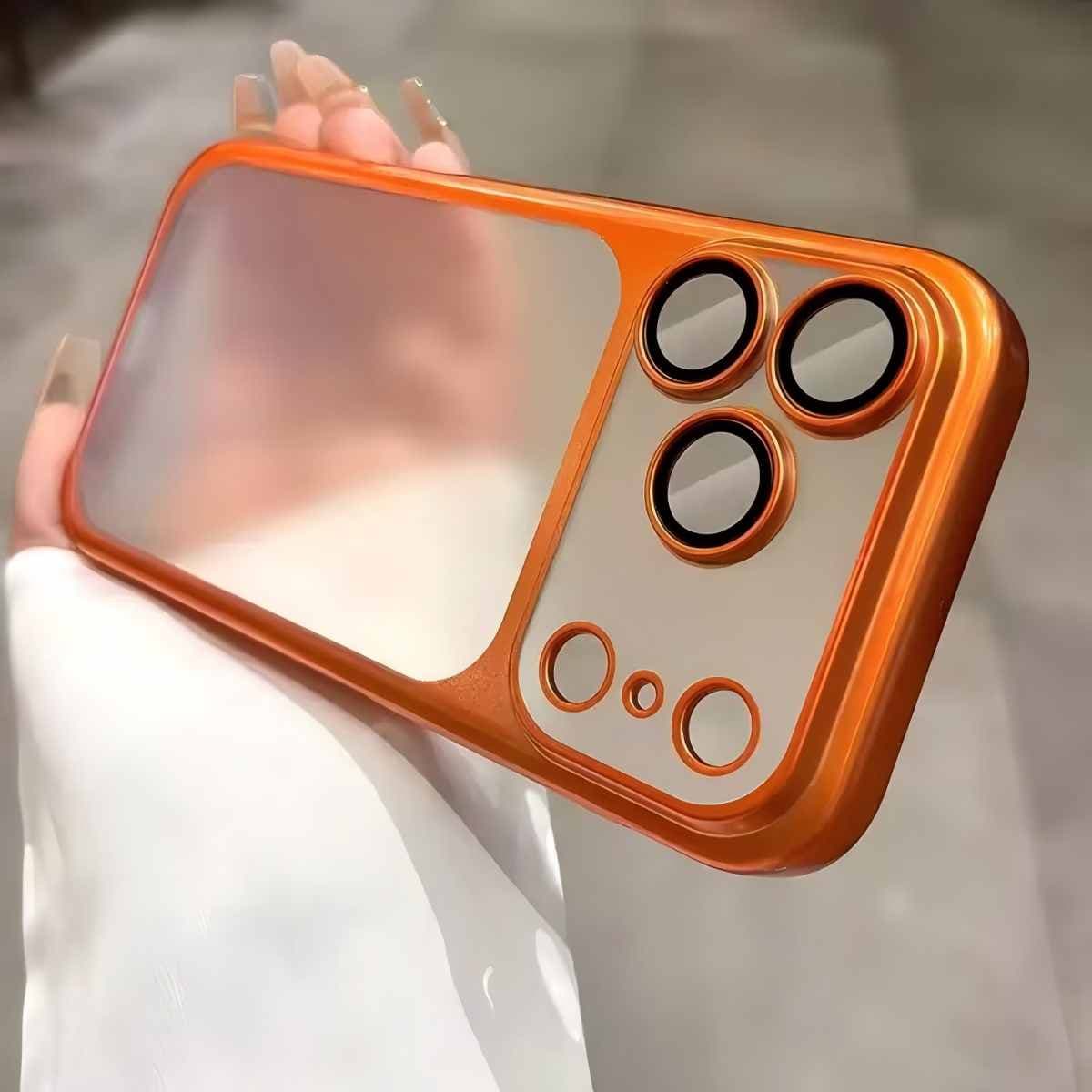
Magnetic-compatible cases embed a precision circular ring of thin neodymium segments plus a vertical orientation tail magnet directly inside the polycarbonate backplate:
- Self-Centering Coil Lock: Snaps transmitter and receiver coils into concentric alignment automatically, reducing wasted energy and excess warmth.
- Confident Vertical & Car-Mount Grip: Restores full magnetic holding strength on commuter vent mounts and upright desk stands.
- Anti-Spin Tail Magnet: Prevents snap-on card wallets and kickstand grips from rotating crookedly when pulling your phone out of a pocket or tote.
Three Everyday Add-Ons That Interrupt Wireless Charging
Even the best magnetic case cannot overcome metallic or overly thick obstacles placed directly over the induction zone. Before blaming your charger cable or wall adapter, check for these common culprits:
1. Adhesive Metal Plates & Non-Removable Ring Grips
Stick-on steel discs meant for older non-magnetic dashboard mounts sit directly over the charging coil and absorb inductive energy as eddy currents—triggering foreign-object detection shutoffs to prevent overheating. Choose detachable magnetic ring grips instead so you can pop them off in one second when charging.
2. Stacked RFID Cards or Coins in Rear Folio Slots
Always slide detachable magnetic cardholders off before placing your phone on a wireless pad. Credit-card chips, transit passes, and metal cards block power transfer and can suffer demagnetization on legacy magnetic-stripe readers.
3. Under-Powered USB Wall Bricks
Modern 15-watt magnetic pucks typically require a 20-watt or higher USB-C Power Delivery (PD) wall adapter. Plugging a fast wireless puck into an older 5-watt cube throttles output down to slow trickle speeds regardless of your case.
Simple Habits to Minimize Heat and Preserve Battery Health
All wireless charging generates slightly more warmth than a direct USB-C cable, and sustained heat above room temperature gradually ages lithium-ion battery chemistry over multi-year ownership. Keep your charging setup cool by placing wireless pads on hard, ventilated surfaces like wood or stone nightstands rather than sinking them into plush bedding or pillows.
Wipe dust or gritty crumbs off both the back of your magnetic phone case and the soft silicone face of your charger once a week so micro-particles neither scratch the ring finish nor create uneven air gaps.
Getting Reliable Hold on Car Dashboards, Vent Mounts, and Flights
Road vibrations, potholes, and summer cabin sunlight test magnetic phone cases harder than a bedroom nightstand ever will. When mounting a cased phone inside a vehicle, avoid clipping a wireless-charging vent mount directly in front of a blasting hot heater vent in January—blowing warm cabin air onto the back of an actively charging phone triggers thermal throttling that pauses navigation charging right when you need battery most.
In summer, aim a gentle stream of cool air-conditioning through the vent behind the mount to keep both your battery and processor running briskly during turn-by-turn GPS trips. On flights and train rides, pairing a magnetic-ring case with a slim folding kickstand ring lets you prop your phone in landscape mode on tray tables hands-free, then snap it flat into your crossbody or backpack pocket upon landing.
Quick Compatibility Check Before Checkout
Always check the product description and variant title to distinguish between standard slim shockproof cases and magnetic-ring cases, and confirm your exact screen size tier in Settings before adding to bag so camera cutouts and magnet centers line up to the millimeter.
Match Your Case to Your Charging & Mounting Ecosystem
If you plug in exclusively via USB-C cable at night, any slim shock-absorbing TPU/PC case with raised screen and camera bezels will serve you well. If you rely on snap-on bedside stands, magnetic battery packs during travel, or car mounts on your daily US commute, choosing a case specifically listed with an integrated magnetic ring ensures crisp snap alignment every single time.
Explore our Phone Cases collection to check device compatibility, finish textures, and colorway options—all backed by 30-day unused US returns.